SDCBench
The domain-expert bench. Diagram a data model by reusing published components and sketching new ones in plain language, then hand a draft to a data modeler in SDCStudio. No reference-model knowledge required.
What It Does
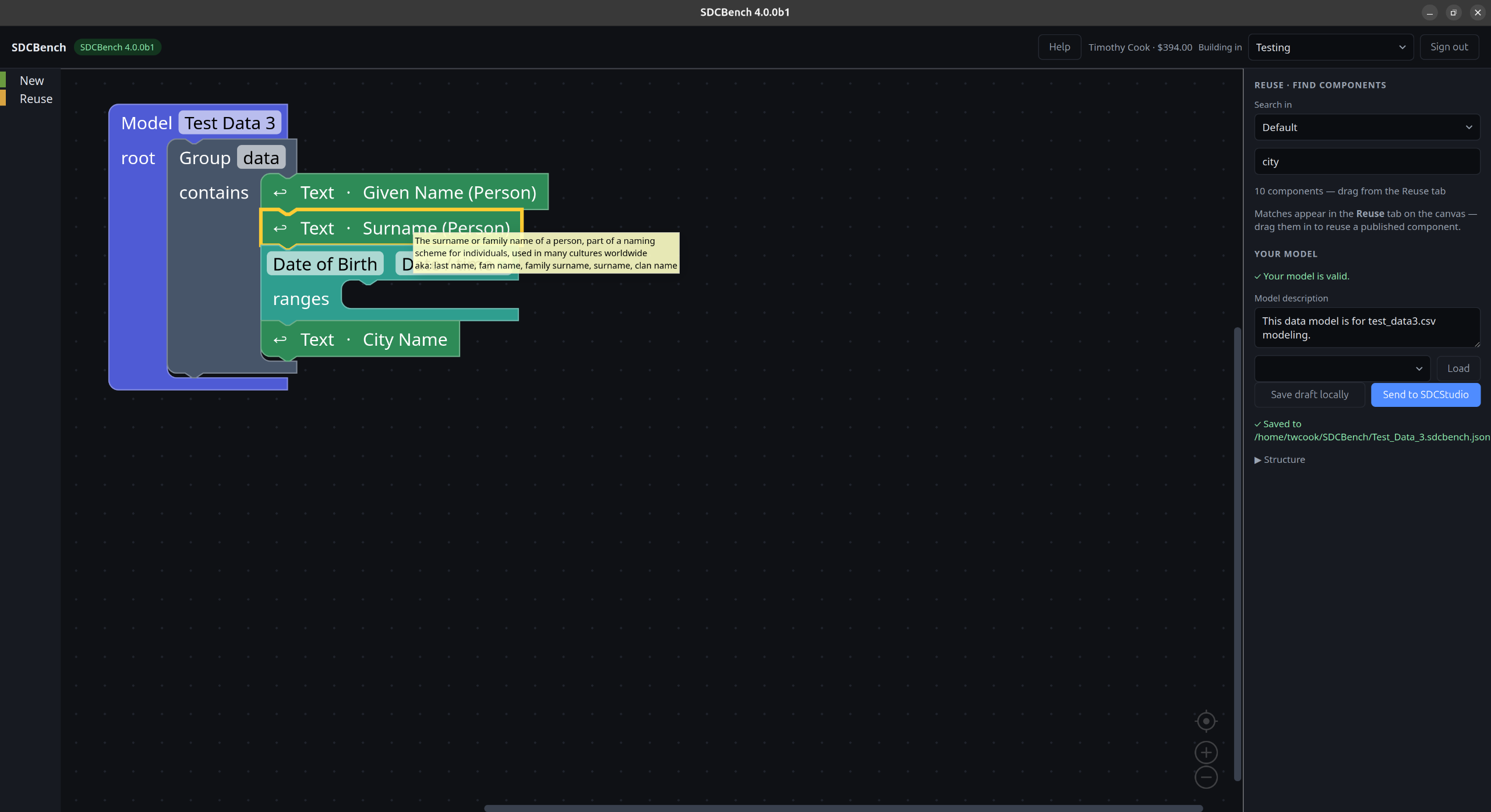
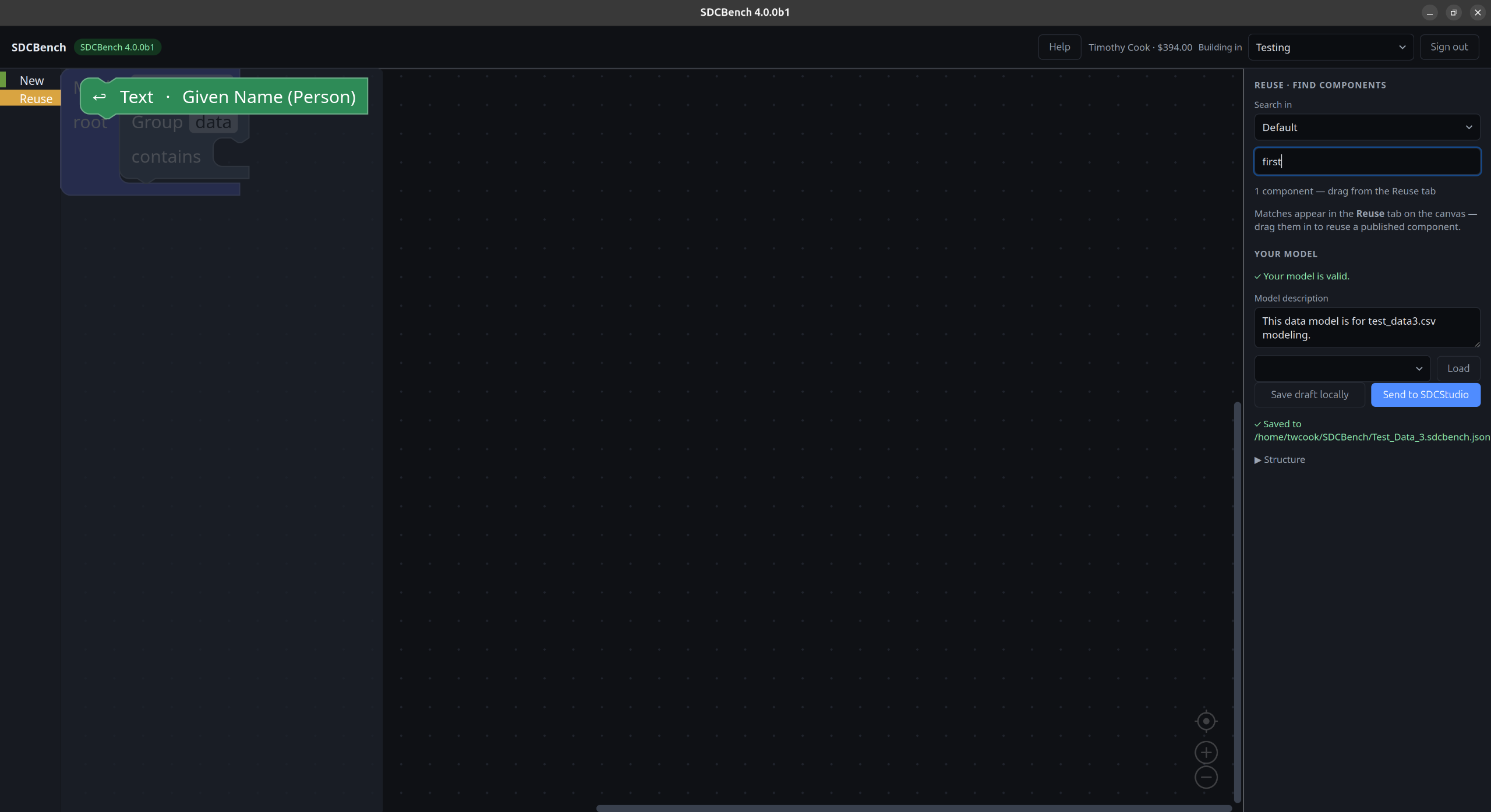
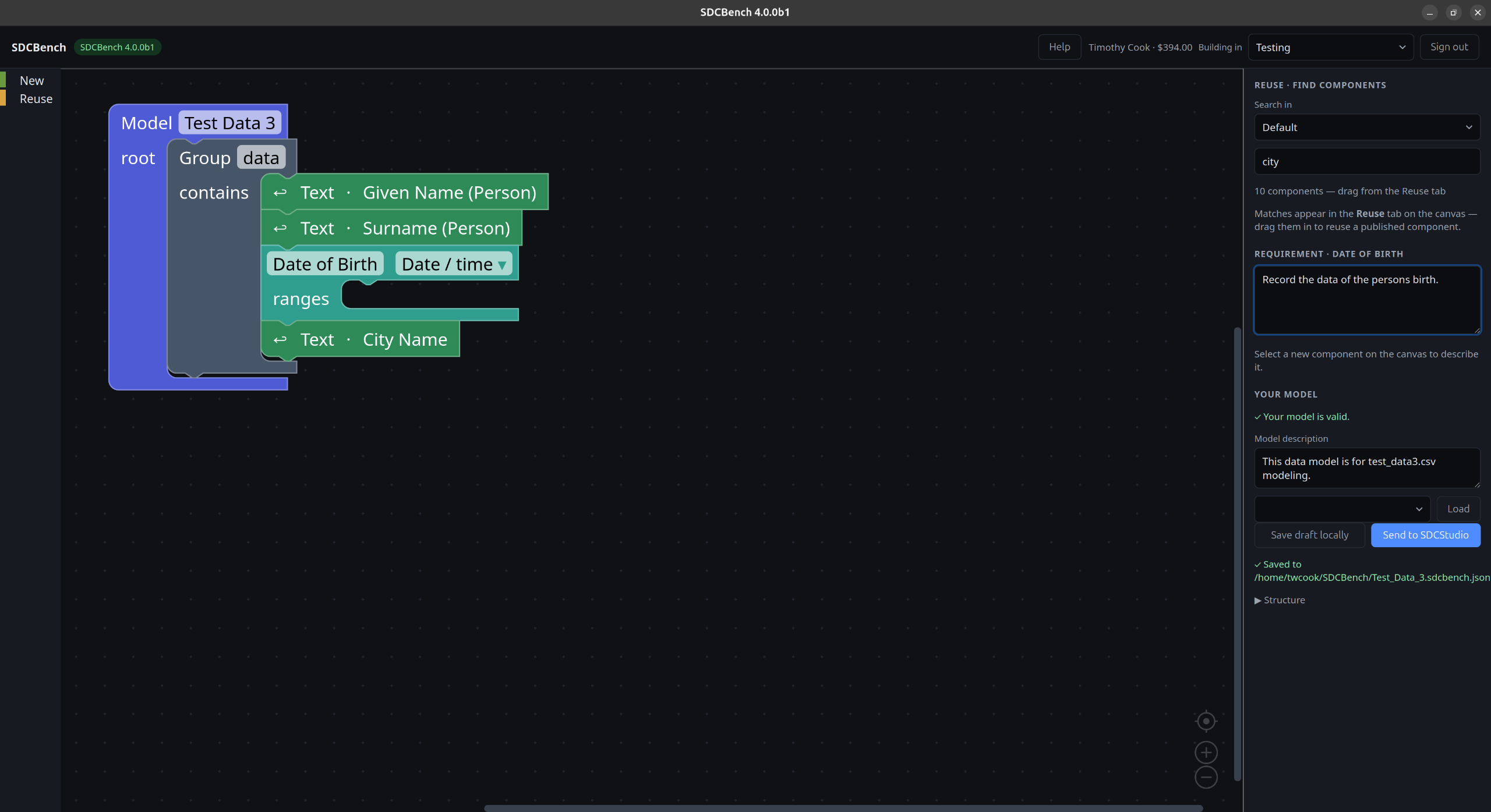
SDCBench lets a domain expert assemble an SDC4 data model on a canvas: search the published component library, reuse a component by dragging it onto the canvas, and snap blocks together into a document tree where the reference model already permits them. When nothing fits, sketch a new component from a plain data type and write, in plain language, what it needs to capture.
The result is sent to SDCStudio as a draft data model, where a data modeler finalizes constraints, units, reference ranges, and semantic bindings, and publishes.
The separation line
SDCBench (domain expert)
Reuse published components, sketch new ones, structure the document tree, and state each requirement in plain language. Produces a draft model.
SDCStudio (data modeler)
Constraints, units, reference ranges, semantic binding, and publishing. Produces the finished, published model.
See it in action
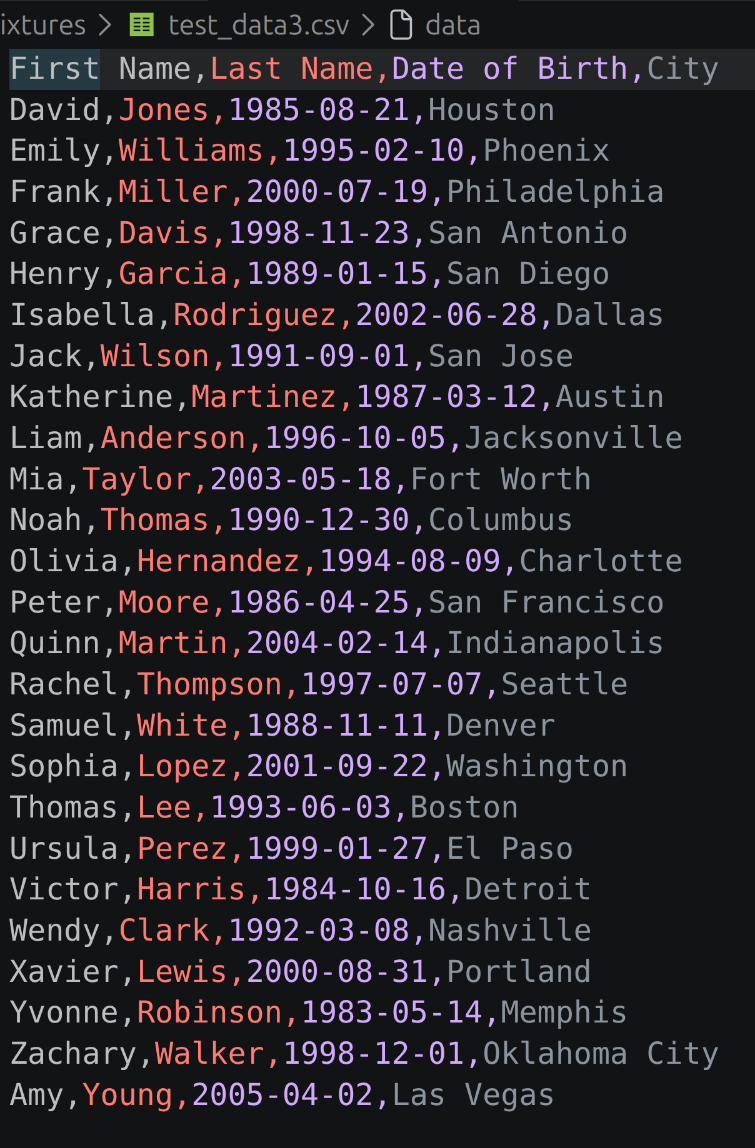
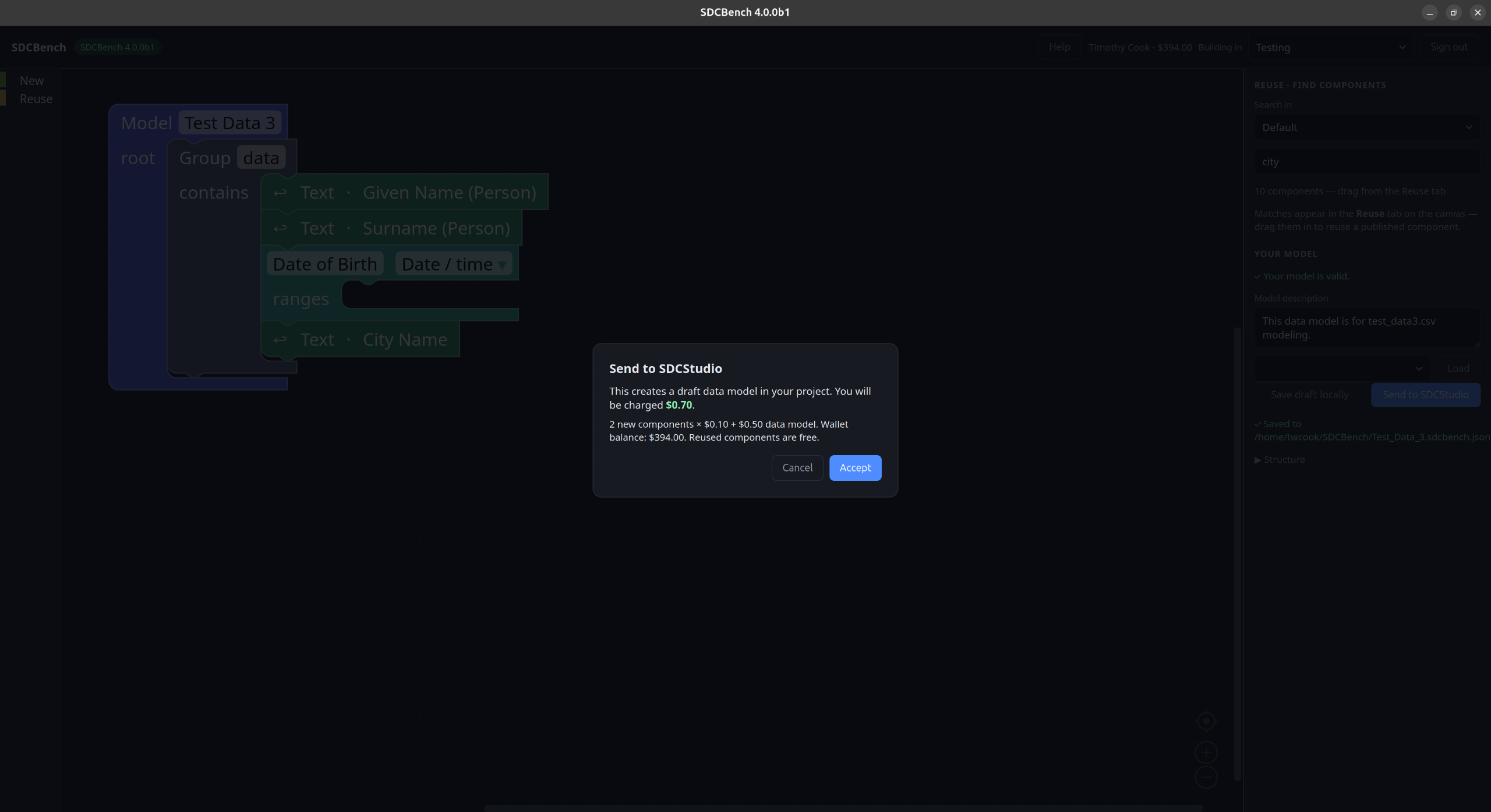
A domain expert turns a spreadsheet into a draft data model: reuse published components that already mean what the data means, and sketch the few new ones in plain language.
Download
Installers for each release are published on GitHub. Download the latest build for your platform:
Linux
AppImage (x86_64)
Portable AppImage. Make it executable and run it - no installation required.
Download AppImageWindows
Installer (.exe, x64)
NSIS installer. Beta builds are not yet code-signed, so Windows SmartScreen shows an “unknown publisher” warning. Click More info, then Run anyway to install. See the note below.
Download InstallerAll installers, checksums, and release notes are on the GitHub Releases page. macOS is not yet supported. Source: github.com/SemanticDataCharter/SDCBench.
A note on the Windows warning
These beta builds are not yet code-signed. When you run the Windows installer, SmartScreen will report an unknown publisher. To continue, click More info, then Run anyway. Only install builds downloaded from the official GitHub Releases page.
Code signing for the Windows installer is in progress. We are pursuing free code signing for open-source projects, which qualifies a project once it has an established track record of use; signed builds will follow as SDCBench's usage grows, and sooner at general release if we adopt a paid certificate.
Requirements
- • An SDCStudio account and API key. You can create one from the sign-in screen.
- • A running SDCStudio instance (the public one by default).
New to SDCBench? Start with the User Guide (also available in-app via the Help button). See also the Privacy Policy.